
Discover how access control systems can enhance office security in Canadian buildings. Learn about keycard systems, electronic access, and how to manage employee access effectively while meeting Canadian security standards.
Why Access Control Systems Matter for Canadian Office Buildings
Security is a growing concern for businesses across Canada. Whether you operate in downtown Toronto, suburban Calgary, or a business park in Halifax, protecting your office, employees, and assets is a top priority. That’s where access control systems come in. These security solutions help you control who can enter your building, when they can access it, and what areas they can access.
From small offices to large commercial complexes, access control systems help reduce the risk of theft, unauthorized access, and workplace incidents. As office security becomes more advanced, Canadian businesses are adopting smarter systems that combine convenience with robust protection.
What Is Access Control?
Access control refers to the methods and tools used to regulate who is allowed to enter or exit a space. In the context of office security, this includes a variety of systems such as keycards, biometric scanners, PIN codes, and mobile access apps. The goal is to ensure that only authorized individuals have building access during approved hours.
Benefits of Access Control for Workplaces
- Enhanced security: Prevents unauthorized entry and reduces the risk of internal theft.
- Improved employee access management: Easily add or remove user permissions as staff change.
- Audit trails: Keep track of who entered where and when, which helps with investigations or compliance audits.
- Remote control: Manage access permissions from anywhere using cloud-based platforms.
Many Canadian businesses are upgrading from traditional locks to smart commercial security systems to meet modern needs.
Types of Access Control Systems for Canadian Offices
There are several types of access control systems available, each offering different levels of security and flexibility. The best system for your office will depend on your building type, number of employees, and security goals.
1. Keycard Systems
Keycard systems are one of the most common types of electronic access solutions in Canada. Employees use swipe cards or proximity cards to gain entry. These cards can be programmed and deactivated quickly, making them ideal for growing offices or high staff turnover.
Advantages of Keycard Systems
- Simple to use and easy to replace
- Cost-effective for small to medium-sized offices
- Tracks employee access by logging card use
2. PIN Code Entry Systems
PIN code systems allow users to enter a numeric code on a keypad to unlock doors. These systems are often used alongside other methods, such as keycards or fobs, to enhance security.
When to Use PIN Code Entry
- Ideal for entry points that require short-term access (e.g. cleaning staff or visitors)
- Good backup if a staff member forgets their keycard
- Cost-effective for offices with a limited number of users
3. Biometric Access Control
Biometric systems use unique physical traits such as fingerprints, facial recognition, or iris scans to grant access. These systems offer a high level of security and are becoming more common in high-risk industries and large buildings across Canada.
Benefits of Biometric Systems
- Eliminates the risk of lost or stolen cards
- Provides precise tracking of individual access
- Highly secure and difficult to duplicate
4. Mobile Access Solutions
Modern access control systems often include mobile apps that allow employees to unlock doors using their smartphones. These systems are growing in popularity in Canadian cities where mobile-first solutions are in demand.
Why Mobile Access Is Gaining Popularity
- Convenient and contactless – important for health and safety
- Easy to manage permissions remotely
- Integrates well with modern building management systems
If you’re considering upgrading your office’s security systems, mobile access offers a modern, scalable solution that fits well within smart building designs.
Key Features to Look for in an Access Control System
When choosing an access control system, it’s important to consider features that meet your specific needs and comply with Canadian safety standards. Here are some of the most important features to look for:
Audit Logs and Reporting
One of the biggest advantages of modern access control is the ability to track workplace access. Audit logs show who entered which area and when, helping with internal investigations, time tracking, and compliance reporting.
Remote Management
Cloud-based systems allow you to manage access permissions from anywhere. Whether you’re at home or travelling for work, remote access makes it easy to add or remove users and monitor access activity.
Integration with Other Security Systems
For comprehensive building management, choose an access control system that integrates with your existing alarm systems, video surveillance, and emergency lockdown protocols. This creates a seamless security network for your entire office.
Scalability
Your system should grow with your business. Look for solutions that allow you to easily add new doors, users, or even buildings without replacing the entire infrastructure.
Compliance with Canadian Regulations
In Canada, commercial buildings must follow specific building codes and privacy laws. Your access control system should comply with regulations such as:
- National Building Code of Canada (NBC)
- Provincial fire and safety codes
- Personal Information Protection and Electronic Documents Act (PIPEDA)
Fix Experts can help you ensure your office’s access control system is installed according to all local standards. Contact our certified technicians for expert guidance.
How Access Control Helps Building Management
Beyond security, access control systems improve efficiency and streamline building management. Property managers, business owners, and IT departments all benefit from a centralized system that handles entry permissions, user tracking, and system alerts.
Manage Employee Access Easily
When new employees join or leave, it’s important to update their access quickly. With electronic systems, you can change permissions in minutes without needing to rekey locks or collect physical keys. This is especially helpful in large offices or multi-tenant buildings.
Reduce Costs Over Time
While the initial investment for an access control system may seem high, the long-term savings are significant. You’ll spend less on rekeying locks, replacing keys, and responding to security breaches. Plus, insurance providers often offer better rates for businesses with high-quality commercial security systems in place.
Improve Visitor and Contractor Management
If you host clients, vendors, or contractors at your office, an access control system makes it easy to issue temporary credentials. This ensures guests only access approved areas and you maintain a secure environment without extra supervision.
Respond to Emergencies Quickly
Modern access systems offer lockdown capabilities that can automatically secure the building in case of an emergency like a fire, break-in, or active threat. These systems can also integrate with emergency services and alert the necessary personnel in real time.
Choosing the Right Access Control System for Your Office
Every office is different, so your security solution should be tailored to your building, team, and budget. Here are some factors to consider when selecting the right system for your needs:
1. Size and Layout of Your Building
Larger buildings or offices spread across multiple floors may benefit from networked systems with centralized control. Smaller offices may do well with standalone systems that cover the main entry points.
2. Number of Employees
If you have frequent staff changes or a large team, choose a system that makes it easy to manage employee access remotely. Cloud-based platforms are ideal for HR and IT teams to manage user permissions quickly and efficiently.
3. Level of Security Required
Industries like finance, healthcare, and legal services require higher security due to the sensitive nature of their work. For these businesses, biometric and multi-factor access control systems are highly recommended.
4. Budget and Long-term Value
While some systems may have higher upfront costs, they often save money in the long run by reducing security risks and operational inefficiencies. Speak with an office locksmith to get a detailed cost-benefit analysis for your business.
5. Future Scalability
Your business may grow, move, or evolve. Choose a system that can scale with you, whether you’re opening a new branch office or adding more secure zones within your current space.
6. Integration with Other Technologies
If your office already uses tools like smart thermostats, lighting systems, or security cameras, look for an access control system that integrates with these technologies. A well-connected building is not only more secure but also more energy-efficient and easier to manage.
For professional locksmith services in your area, Fix Experts offers tailored access control solutions that suit your office’s unique needs.
When to Call a Professional Locksmith
While some offices may consider a DIY approach to security, installing and configuring an access control system can be complex. Canadian businesses often benefit from the expertise of a certified emergency locksmith or commercial locksmith who understands local codes, wiring systems, and integration requirements.
Situations When You Should Call a Pro
- You’re upgrading from traditional locks to electronic access
- You need to integrate access control with other security systems
- You want to ensure compliance with Canadian building codes
- You need to secure high-risk areas or sensitive data rooms
Fix Experts serves homes and businesses across Canada with fast, reliable, and certified locksmith services. If you need expert locksmith advice for your property, we’re here to help.
Implementing Access Control in Canadian Office Buildings
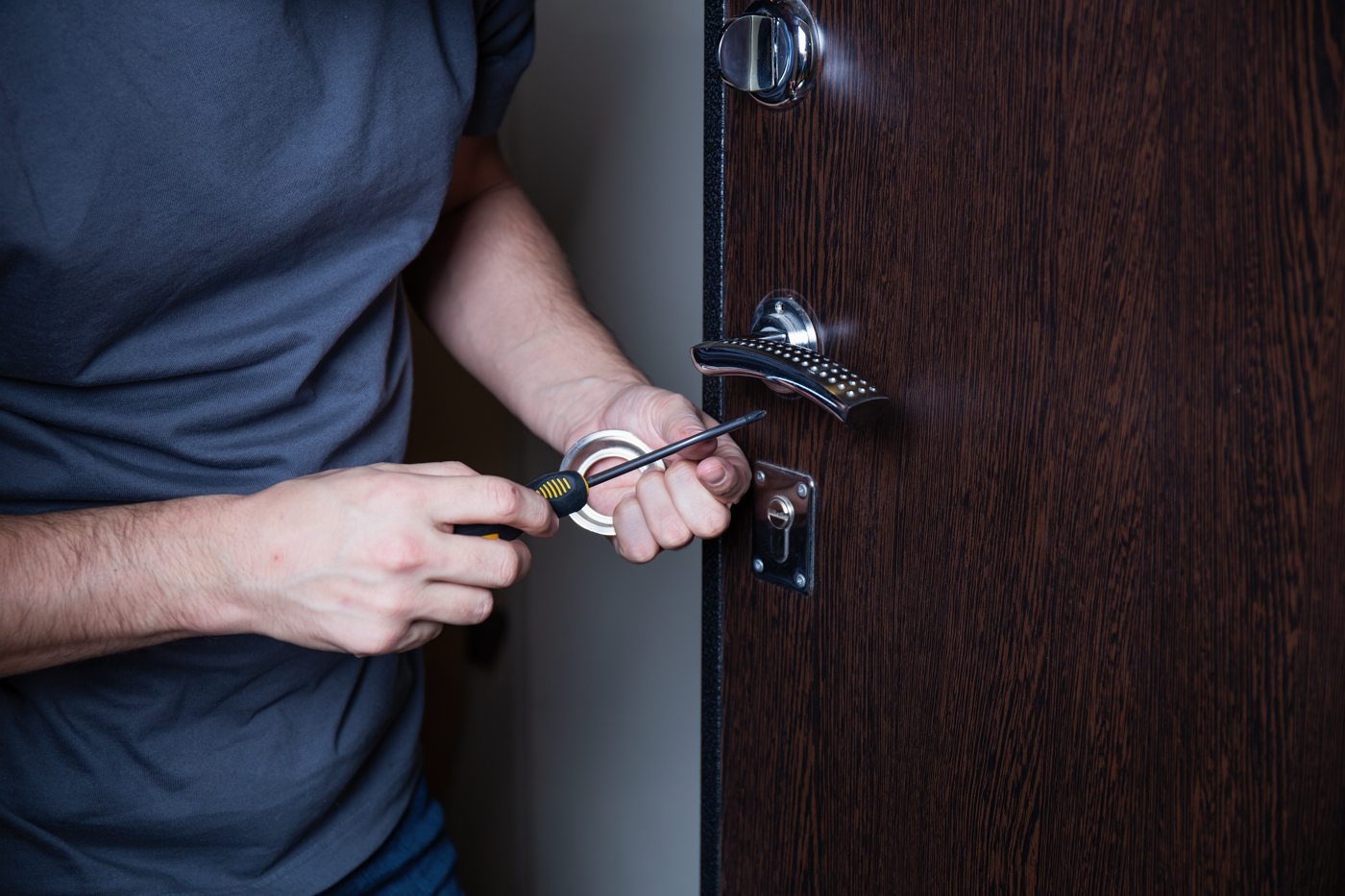
Once you’ve identified the type of access control system that fits your office, the next step is implementation. Whether you’re transitioning from traditional locks or upgrading an outdated system, the process involves several important considerations to ensure your new system works effectively and complies with Canadian standards.
Step-by-Step Installation Process
1. Conduct a Security Assessment
Before installing any security systems, it’s essential to evaluate your current setup. This includes identifying high-risk areas, reviewing current access points, and determining who needs entry to which parts of the building. A certified commercial locksmith can help you perform a comprehensive security audit tailored to your office’s layout and operations.
2. Choose the Right Hardware
Not all doors and entry points require the same level of security. For example, main entrances may benefit from biometric scanners or keycard systems, while internal offices or supply rooms might only need PIN code locks. Choose high-quality hardware that’s compatible with your building’s infrastructure and suited to Canadian weather conditions, especially for exterior entry points.
3. Integrate with Existing Systems
For a seamless experience, your access control system should integrate with your building’s fire alarms, security cameras, and emergency response protocols. Integration improves monitoring, speeds up emergency responses, and ensures a unified approach to building access and safety management.
4. Install and Test the System
Professional installation is key. A licensed office locksmith will ensure the system is properly wired, configured, and secure. Once installed, thorough testing is necessary to confirm all components function correctly, access permissions are properly assigned, and emergency overrides work as expected.
5. Train Employees and Administrators
Even the most advanced system won’t be effective if people don’t know how to use it. Conduct training sessions to show staff how to use keycards, mobile apps, or biometric scanners. Designate administrators who can manage user access, generate reports, and respond to alerts.
Best Practices for Managing Electronic Access
Managing an electronic access system goes beyond installation. To keep your office secure, you need consistent protocols and policies that ensure the system evolves with your business needs and security landscape. Here are some best practices for Canadian workplaces.
Regularly Update Access Permissions
Employee turnover, departmental changes, and updated job roles often require adjustments to employee access. Make it a priority to review and update permissions regularly—ideally monthly or quarterly. This prevents former employees or unauthorized personnel from accessing sensitive areas.
Use Multi-Factor Authentication (MFA)
For added security, especially in sensitive industries like finance or healthcare, consider multi-factor authentication. This might combine a keycard with a PIN code or fingerprint. MFA significantly reduces the risk of unauthorized access due to lost or stolen credentials.
Monitor Access Logs and Alerts
Set up automatic alerts for unusual activity, such as access attempts outside of working hours or repeated failed entry attempts. Reviewing audit logs can help you detect patterns, identify risks, and take corrective action quickly.
Schedule Routine Maintenance
Access control systems require occasional maintenance to ensure optimal performance. This includes software updates, battery replacements for wireless devices, and physical inspections of locks and readers. Partnering with a trusted provider like Fix Experts ensures your system stays up to date and functional.
Establish a Visitor Access Policy
Visitors, contractors, and temporary staff should follow a separate access protocol. Use temporary keycards or PIN codes with limited-time access. This keeps your permanent security settings intact while still allowing flexibility for short-term access needs.
Addressing Common Access Control Challenges
Even with the best systems in place, challenges may arise. Understanding these issues and knowing how to address them can save time, money, and stress in the long run—for both office managers and building owners across Canada.
Lost or Stolen Credentials
When a keycard or mobile credential is lost or stolen, it can pose a serious security risk. The good news is that access control systems make it easy to deactivate missing credentials immediately and issue replacements without affecting other users.
Power Outages and System Failures
Canadian winters can bring storms and power outages. Ensure your access control system includes battery backups and offline functionality. This ensures doors remain secure even if the system temporarily loses power or internet connectivity.
System Compatibility Issues
When integrating with older building infrastructure or other security tools, compatibility can be a concern. Work with a professional locksmith who understands both modern technology and legacy systems. This avoids costly rework and ensures smooth operations.
User Resistance to New Technology
Some employees may be hesitant to use biometric scanners or mobile apps. Clear communication, proper training, and highlighting the benefits—like convenience and improved workplace access—can ease the transition and improve adoption rates.
Privacy Concerns
In Canada, privacy is regulated under PIPEDA, which affects how employee data is collected and stored. Make sure your system complies with all local laws and that employees are informed about how their data is used. Choose a provider that offers data encryption and secure cloud storage.
Access Control and Emergency Locksmith Services
Even with a solid system in place, emergencies can happen. A malfunctioning reader, locked-out employee, or damaged door can interrupt business operations. This is where a trusted emergency locksmith becomes essential for businesses across Canada.
Why Have a Locksmith on Call?
- Quick response times: Get immediate help when locks or systems fail
- Expert troubleshooting: Diagnose and fix problems that may affect electronic or mechanical components
- 24/7 availability: Handle access issues outside of regular business hours
- System resets: Assist with reprogramming or restoring access after a breach or malfunction
Fix Experts offers reliable emergency locksmith services for businesses across Canada. Whether you’re dealing with a system outage or need urgent repairs, our team is ready to help day or night.
Access Control for Different Types of Canadian Offices
Not all offices are the same, and access control needs will vary depending on the type of business. Here’s a breakdown of how different types of workplaces can benefit from tailored access control solutions.
Corporate Offices
Large offices with multiple departments need tiered access levels. Executives may require access to sensitive financial records, while general staff only need entry to shared areas. A mobile or keycard system with clear access permissions ensures security without slowing down operations.
Medical Clinics and Healthcare Facilities
These environments require strict control over patient records, medication storage, and restricted zones. Biometric access and audit trails help healthcare providers meet privacy laws and health regulations. Backup systems are crucial to ensure uninterrupted access during emergencies.
Tech Startups and Co-Working Spaces
Startups often look for flexible, scalable solutions that grow with the company. Cloud-based mobile access systems are ideal, offering remote management and easy user onboarding. For shared spaces, time-based access for different companies or individuals keeps operations secure and organized.
Retail and Storefront Offices
While retail locations may not require biometric security, managing employee access during off-hours or shift changes is key. PIN code and keycard systems offer cost-effective solutions that keep your store secure when unattended.
Municipal and Government Buildings
Government offices must meet stricter building codes and security protocols. Multi-factor authentication, extensive audit logs, and integration with surveillance are often required. A professional locksmith with experience in government contracts can guide you through the process.
Benefits of Working with a Professional Locksmith
Partnering with a trusted locksmith ensures your access control system is installed properly, maintained regularly, and upgraded as needed. Here’s why Canadian businesses trust Fix Experts for commercial security solutions:
Expert Knowledge of Canadian Standards
From fire codes to privacy laws, our technicians stay up to date with regional and national regulations that impact your building management. We help ensure your system is compliant and ready for inspection.
Custom Solutions
Every office is different. Our team designs access control systems tailored to your space, employee structure, and budget. Whether you need mobile access, biometrics, or a combination of tools, we’ve got you covered.
Ongoing Support and Maintenance
Security doesn’t stop after installation. We offer regular maintenance, system upgrades, and 24/7 emergency response to keep your workplace secure year-round. For added peace of mind, we also provide residential locksmith services for business owners and staff who want to secure their homes as well.
Vehicle Access Solutions
If your business uses fleet vehicles or company cars, managing car locksmith access is just as important. We provide smart lock options, key duplication, and emergency car lockout services for Canadian businesses on the go.
Conclusion: Secure Your Office with Smart Access Control
From small offices in Regina to high-rise buildings in Vancouver, access control is an essential part of modern office security in Canada. Whether you’re protecting sensitive information, managing employee access, or preparing for emergencies, the right system makes all the difference.
By investing in a professional solution and working with trusted experts, you’ll secure your workplace, improve efficiency, and give your team peace of mind. Whether you’re looking to install a new system or upgrade an old one, Fix Experts is here to help.
Ready to take control of your office security? Contact our certified technicians today for a free consultation and let us help you protect what matters most.